The Home Depot
A voice assistant people don’t hang up on
Callers spent 98 seconds fighting a phone tree before asking for a person. Before LLMs, I designed and hand-wrote a voice and chat assistant that asks what they need instead. Navigation time fell to 28 seconds.

This was before large language models. The assistant ran on Google’s voice technology, but nothing wrote its own answers. Every intent, sample phrase, prompt and fallback was written by hand, then prototyped in Voiceflow and tested with customers.
The problem
- 01
Callers couldn’t tell whether to talk or press
The phone system mixed “press 1” menus with spoken prompts on top of a deep decision tree. People gave up, or kept asking for a representative.
- 02
Every failed call landed on a person
The overflow swamped the call centers and pulled store associates off the floor to answer phones, so waits grew for callers and in-store customers alike.
Decisions that mattered
01Map every path to a person
Before designing anything, I traced the phone tree. Reaching someone took up to eight menus, notices and hand-offs, and time studies put the average at 98 seconds just to navigate.
Four ways to reach a person on the 1-800 line
- 8 steps, worst case
- 98s average to navigate
New or existing installation project1,037,467 calls in FY18
- 1Installation project
- Name the product, or key in its 3-digit code
- “Flooring”
- Verify your zip code
- Routed to installation services
- Call may be recorded
- Installation agent
Online orders or site questions3,563,612 calls in FY18
- 2Online orders
- Call may be recorded
- 2New or existing order
- 2Already placed
- 2All other inquiries
- Self-serve order status menu
- Orders agent
- 2Online orders
- Call may be recorded
- 3Local store information
- Store locator
- Enter your zip code
- 3Second-tier option
- Local store
- 2Online orders
- Call may be recorded
- 4Credit card account
- 1Pick one of three card types
- Out to Citibank
- 2Language option
- Call may be recorded
- Last four of your card or Social Security number
- Card agent
- 2Press a key
- Speak or key in
- Listen and wait
- Handed off
- Major appliances: sent back to a different 1-800 main menu
- Self-service and FAQs: automated instructions, then “press # for the main menu”
02Study who does it well
I reviewed eight companies’ phone and chat support. The ones customers trusted gave them control: real tasks they could finish on their own, by phone or in chat. Ours stopped at FAQs in chat.
| Company | Voice and visual | Voice assistant | Text opt-in | Customer control | Self-service by phone | Self-service in chat |
|---|---|---|---|---|---|---|
| The Home Depot | No | No | Yes | Medium | Order status · Product availability · Store hours | FAQ |
| Lowe’s | No | No | No | Low | None | Order status · Availability · Installation · Store hours · Credit cards |
| Amazon | Yes | Yes | Yes | High | Order status | Order status · Payments · Gift cards · Memberships · Subscriptions · Login and security |
| Walmart | No | No | No | Low | None | Order status · Availability · Store hours |
| Xfinity | Yes | No | Yes | Medium | Callback · Payments · Paperless billing by text | Change plan · Equipment · View bill · Update account · Payment |
| Bank of America | Yes | Yes | No | High | Balance · Activity · Transfer · Order checks · Dispute | Schedule appointment · Activity · Payment · Insights · Balance |
| American Express | No | Yes | No | Medium | Travel notice · Replacement card · Transactions · Add users · Credit limit · Available credit | Same as phone |
| Delta | No | No | Yes | High | Redeem miles · Check flight · Seat changes · Plan trip | Business chat by text · Check flight · Changes and cancellations · Refunds · Baggage and seats · SkyMiles |
Every company offered chat on the web and in its app. The difference was what you could actually get done.
03One intent, any channel
Online, phone and chat ran on separate platforms in separate silos, so the same question got different answers. I designed around what the customer wants, the intent, and let every channel share it.
- OnlineIts own platform, its own answers
- PhoneIts own platform, its own answers
- Text and chatIts own platform, its own answers
“I need to make a return”
- OnlineOrder history
- PhoneVoice assistant
- Text and chatHomer
One intent, understood the same way everywhere
04Give control back
52% of customers wanted to choose how we reach them. So the assistant offers to text what they need, transfers fast to the right associate when it can’t help, and sounds like one company everywhere.
- Let customers choose where they talk to usPhone, text or chat: the customer picks, not the org chart.
- Give the best experience on any channelSometimes that’s a fast transfer to the right associate, or a link to finish online.
- One voice persona at every touchpointThe old phone system didn’t sound like one company.
05Use the data we already had
The Home Depot collected fourteen kinds of customer data, siloed across teams. Four were enough to skip most of the menu: the caller’s phone number finds their orders before they say a word.
What we collected
- Service interactions
- HD.com browsing
- Contact center interactions
- Device ID and cookies
- Marketing campaign exposure
- Third-party property data
- Pro Xtra member number
- Tender and card number
- Email address
- Loyalty memberships
- Name and postal address
- Phone number
- Marketing preferences
- Sales transactions
14 kinds of customer data. The assistant needed 4.
What the assistant did with it
- Phone numberFind the caller’s orders before they say a word
- Sales transactionsKnow the order status without asking for an order number
- Name and postal addressVerify the billing zip instead of a long security quiz
- Marketing preferencesOffer to text tracking or a label, only to people who opted in
06Write every turn by hand
With no LLM to improvise, nothing could be left to chance. For each intent I wrote the sample phrases that trained the intent model, the slots to fill, every prompt and confirmation, and what to say when it didn’t understand. Then I prototyped the whole conversation in Voiceflow.
return_order
Sample phrases, written to train the model
- I need to make a return
- I want to return something
- How do I send this back
- The vanity doesn’t fit
- Return an online order
- Can I get a refund
- Start a return
- I got the wrong item
Slots to fill
orderfrom caller ID, or askitemconfirm if the order has severalmethodstore or mailed label
Every response, scripted
- Prompt“Is it the bathroom vanity from your order on March 3rd?”
- Confirm“You can return it at your Midtown store, or I can text you a free return label.”
- No match“Sorry, I missed that. Store, or a texted label?”
- No match, again“Let me get you to someone who can help.”
One assistant, three channels
The same intents and the same voice on the phone, by text and in web chat. Each one is live in the prototype.
01Before: press 2, press 2, press 2
For comparison, the old menu rebuilt from the tree. Asking about an order meant four key presses and long prompts, only to end up on hold.
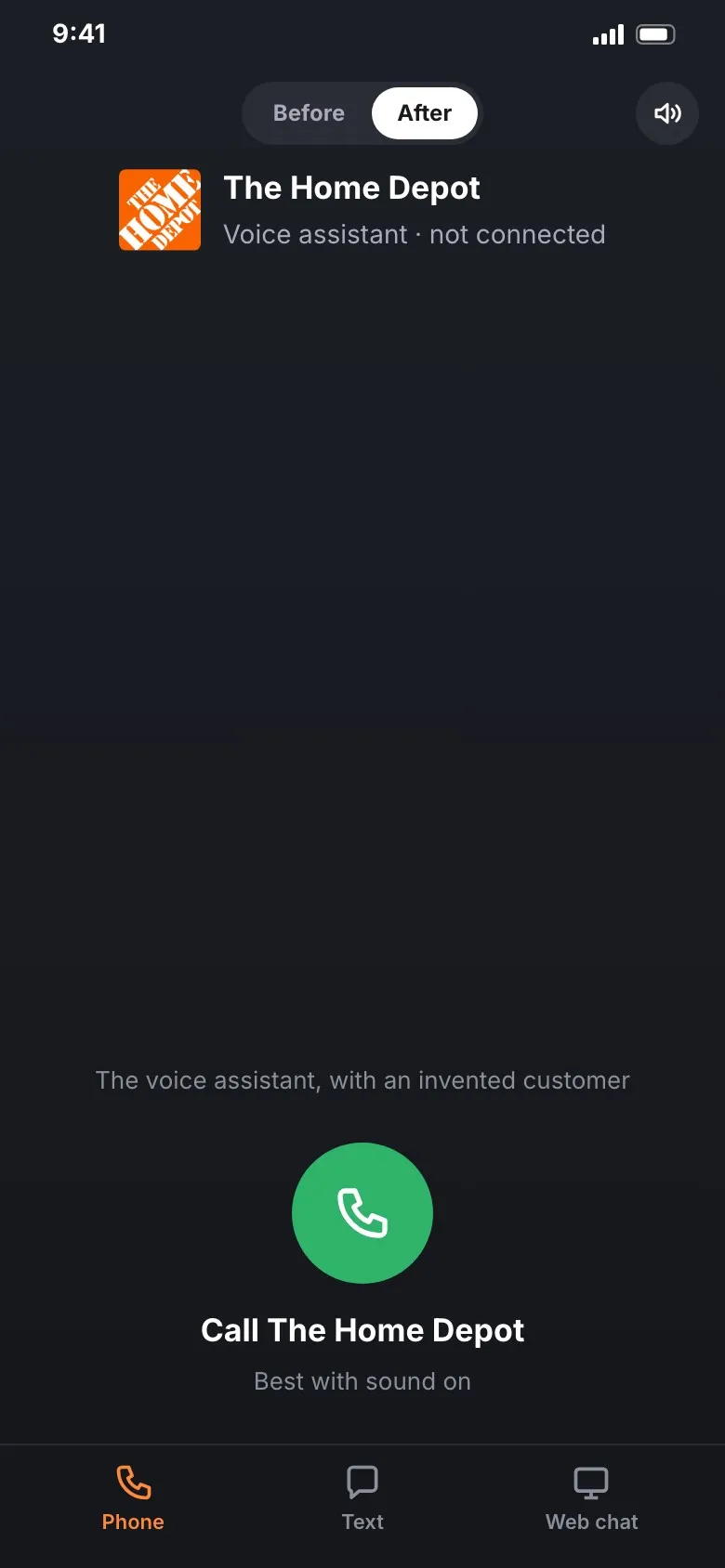
02After: just ask
The assistant greets the caller by name, finds the order and asks what they need. In the prototype, a return is done in about 30 seconds with no transfer.
03Fix it in the text thread
When a delivery slips, the assistant texts first and solves it right there: it checks the local store, moves the order to pickup and cancels the late one.
04Help while they shop
On the website, Homer, the assistant’s chat persona, answers product questions in context. Here it works out how much paint a room needs and swaps the quart for a gallon.
Results
-
Navigation time fell from 98 to 28 seconds
Callers reached an answer or the right person instead of fighting menus.
-
35 million calls redirected from the service desk
Less overflow, so fewer associates pulled off the store floor to answer phones.
-
Self-service containment rose 185%
Callers finished tasks on their own, with no associate needed.